Your basket is currently empty!

Learn How to Build and Manage Your Website with WordPress
Want to create a website but don’t know where to start? This class will teach you how to build, design, and manage a site using WordPress—no coding required!

What You’ll Learn:
Setting up your website (choosing a landing page: static vs. latest posts)
Customizing your navigation and menus
Using categories and tags effectively
Organizing and optimizing your photo gallery
Creating strong Calls-to-Action (CTAs) for engagement
Services
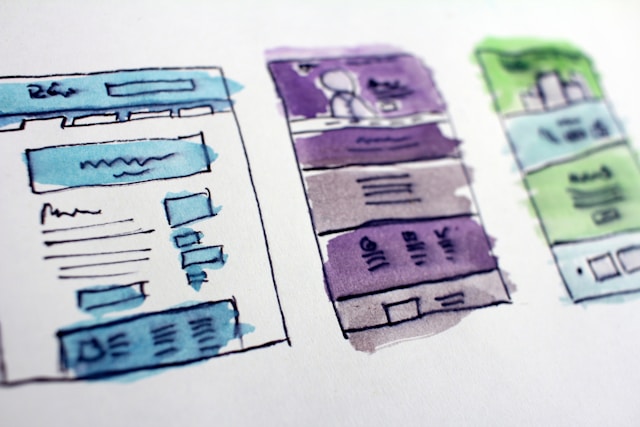
Custom Solutions
Tailored experiences crafted for your needs.
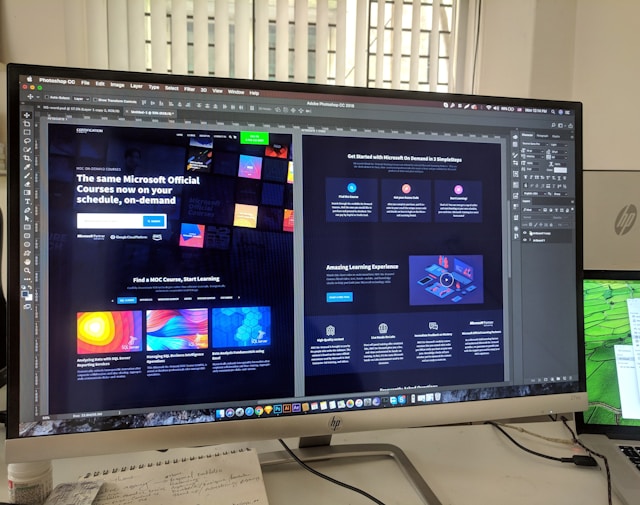
Endless Possibilities:
From start to finish, we’ve got you covered.

Creative Strategy:
Where innovation meets execution.
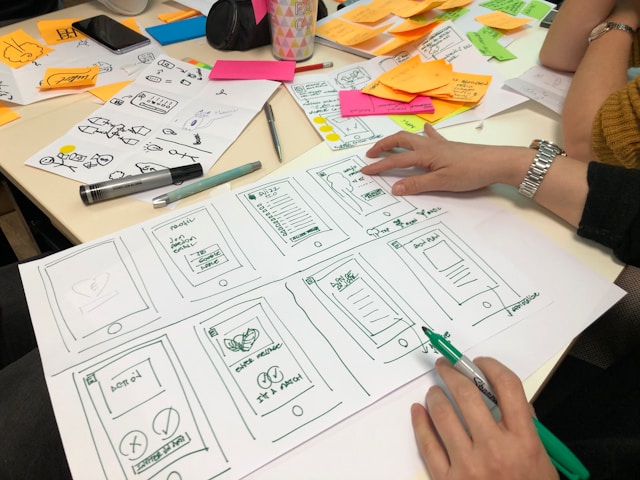
When organizing blog content, use Categories for broad topics and Tags for specific details. Properly using categories and tags makes it easier for readers—and search engines—to navigate your content!
Categories vs. Tags – What’s the Difference?
Images make your site more engaging, but they need structure. Follow these tips:
How to Organize Your Photo Gallery
A CTA tells visitors what action to take next.
Crafting the Perfect Call-to-Action (CTA)
Recent Posts
- Categories vs. Tags – What’s the Difference?
 When organizing blog content, use Categories for broad topics and Tags for specific details. Properly using categories and tags makes it easier for readers—and search engines—to navigate your content!
 - How to Organize Your Photo Gallery
 Images make your site more engaging, but they need structure. Follow these tips:
 - Crafting the Perfect Call-to-Action (CTA)
 A CTA tells visitors what action to take next.
Recommended products
-
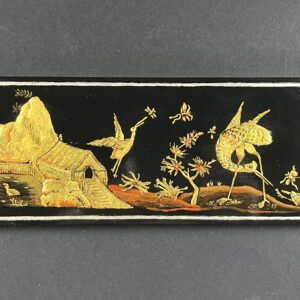
Rectangular lacquered board
£100.00 -
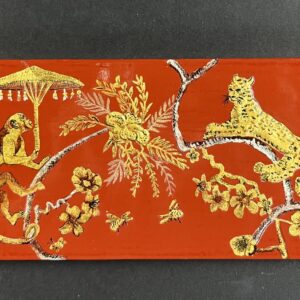
Leopard and Monkey
£100.00 -

Square japanned board
£300.00